
Find a title without confusing editions
Search using the full name of the game you want, in the Playabets lobby on any device. A suffix can distinguish one edition from another, and the same visual theme can appear in unrelated titles. The name and provider together tell you which rules apply.
The catalogue examples below offer useful starting points. They identify titles and their adjacent provider labels, and the live lobby shows the current games.
| Title | Provider label |
|---|---|
| Jelly Belly MegaWays | NetEnt |
| Snow Slingers | Hacksaw |
| The Great Chicken Escape | Pragmatic Play |
| Book of Secrets Extra | Synot |
| Fruit Awards | Synot |
| Queen Of The Forest | Spinomenal |
| Kitsune’s Scrolls | Spinomenal |
| Tiki Pop | YGGdrasil |
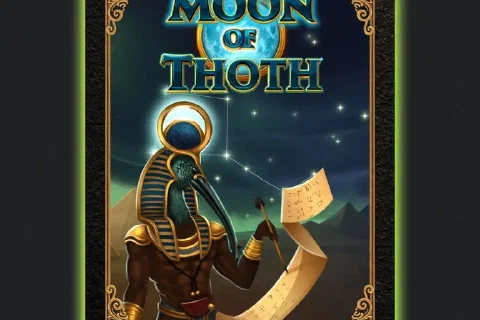
| Moon of Thoth | Ggames |
| More Gold Diggin | BetSoft |
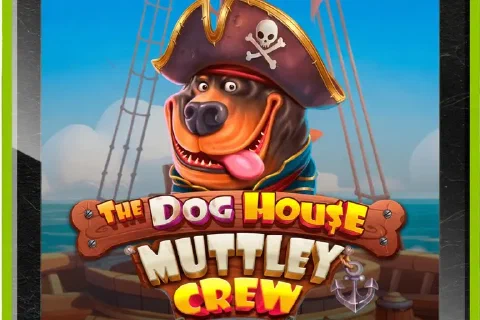
| The Dog House Muttley Crew | Pragmatic Play |
| Festival of Fortune | Netgaming |
Check the game window
After opening a title, locate the help or information controls. Read the stake range displayed to your account, the pay rules and the cost of any optional feature. The game’s own explanation tells you what each button does.
Where the game displays RTP, that exact configuration applies to that title. A long-run return figure describes the model, and volatility labels and maximum-win figures are shown per title as well.
Choose a category for the decision you need
The slots page explains reel-game checks, including stake units, pay information and optional features. The Aviator page covers the different decision involved in crash-style play. The casino hub connects those choices to account access, promotions and payments.
A category is a navigation aid, and each game in it carries its own payout rules, feature cost and bonus contribution. The individual game’s information is where a decision involving money starts. Open any title through our button, with the same account on the mobile site, in the Android app and on desktop, and the casino hub links on to deposits, withdrawals and offers.